Self-guided tour · 35 product screens
See Deetzo in action
Walk through the actual product, from production control and quality to the CRM pipeline, invoicing, purchases, books and inventory. Pick any screen, or sit back and let it play.
Overview
CRM
Sales
Purchases
Inventory
Production Control
Books
Workspace
Overview · Step 1 of 35
Run your whole day from one screen
The moment you log in: a row of what needs attention right now, then today's and this month's sales, what is still outstanding, six months of revenue against collections, and the customers worth chasing — with one-tap actions for invoices, work orders and the catalogue.
erp.deetzo.com/#/home
Pulsing dots jump to related screens
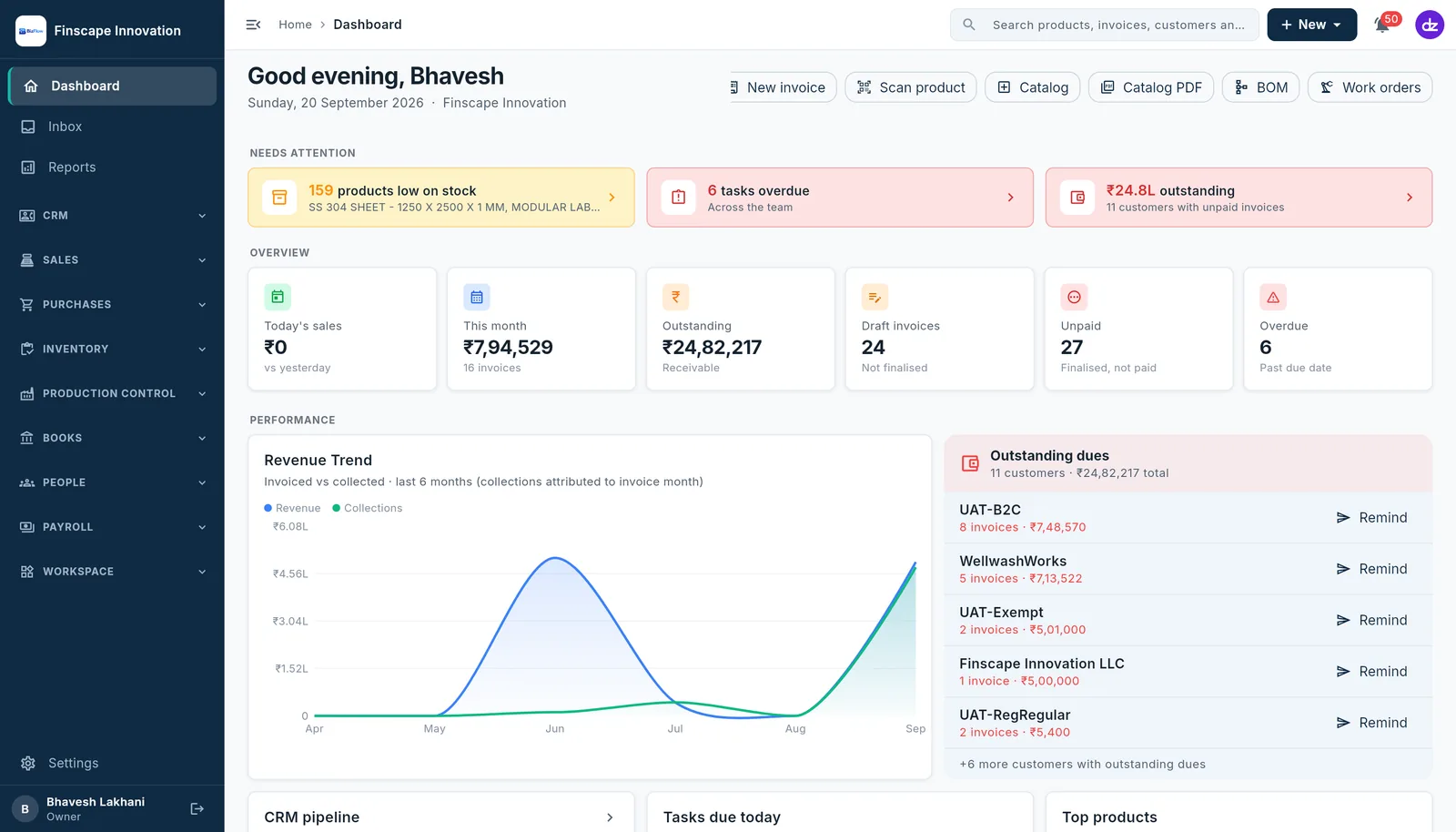
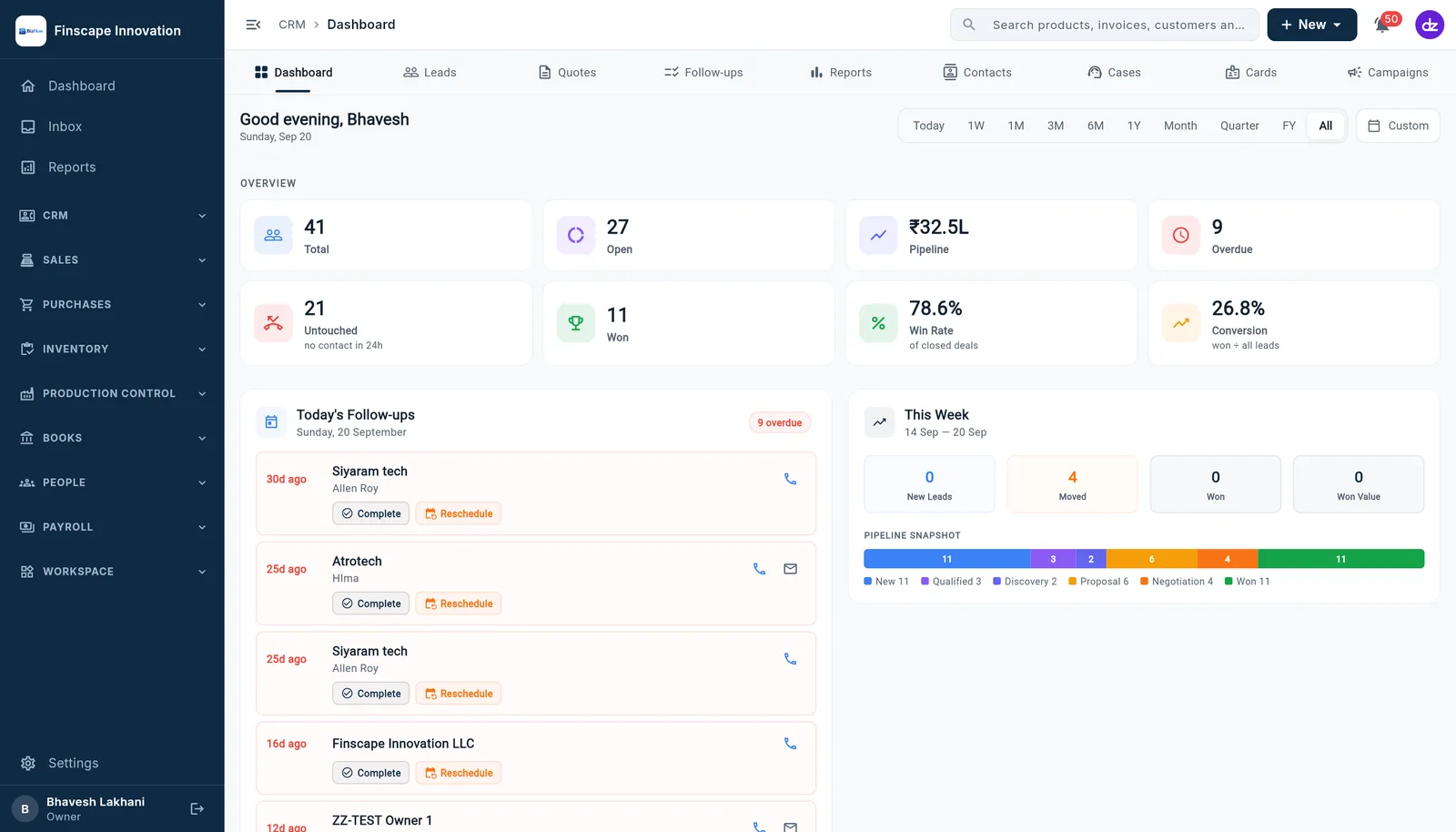
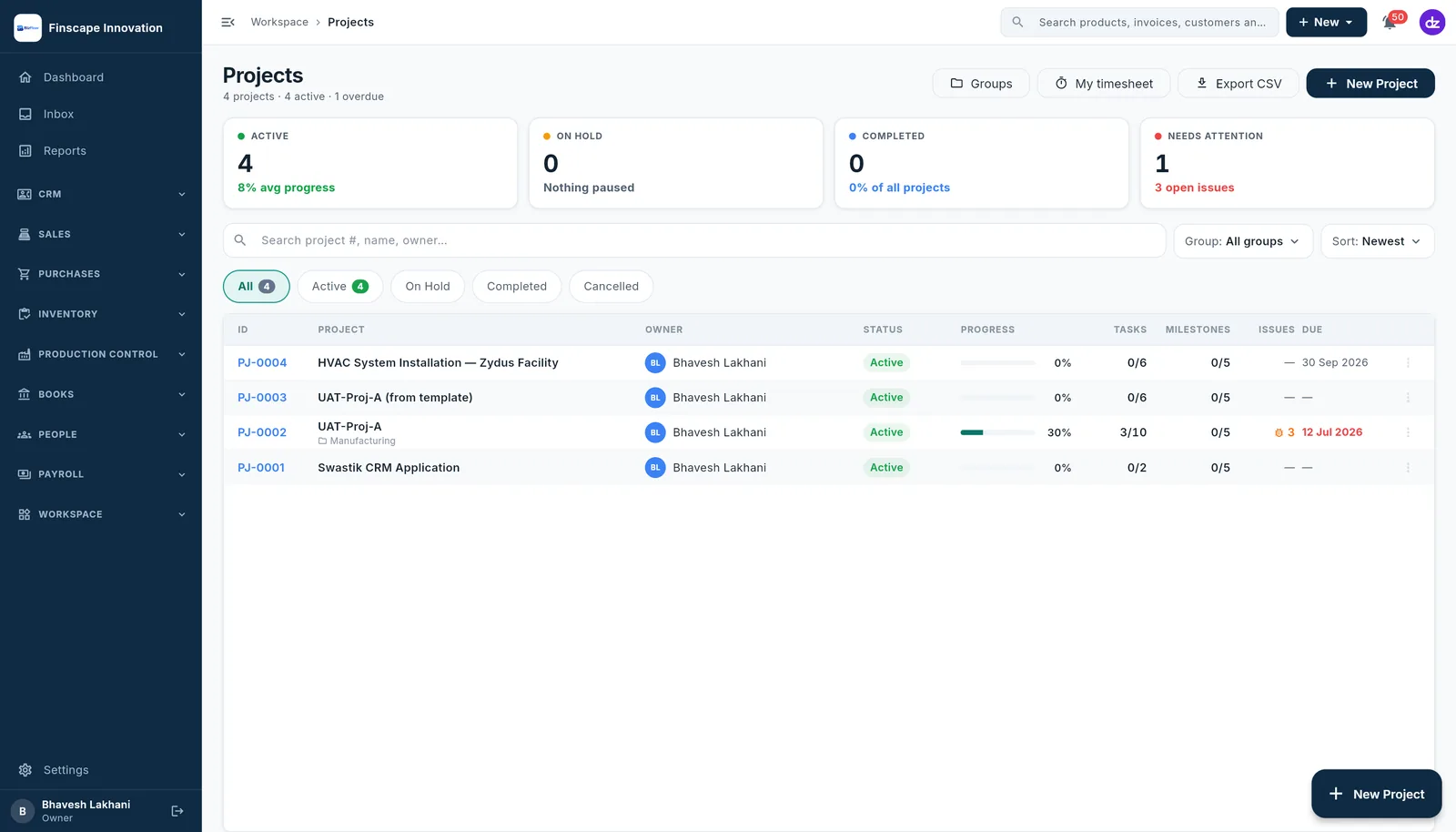
- Needs attention up top: low stock, overdue tasks, money owed
- Today's sales, this month, outstanding, drafts, unpaid and overdue
- Revenue against collections, and outstanding dues with one-tap reminders
Want to see it on your business?
Book a free 30-minute live demo — we'll walk through your workflows, answer questions, and tailor a quote to the modules you need.